Geometry Flap
HomeGeometry Flap
Geometry Flap
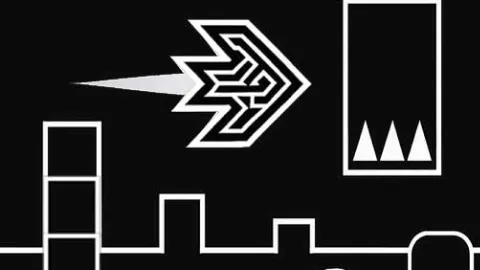
Geometry Flap uses a flap-to-rise control in a geometric obstacle course. Click or tap to move upward, then release and let the character descend through the gaps. Each input changes your height, so repeated tapping is less useful than adjusting to the next opening.
Controls
- PC: Click or press Space to flap upward.
- Mobile: Tap to flap upward.
Passing a gap
Watch the next opening and begin correcting your height before you reach it. Use individual taps to make small changes, and avoid holding an input when the character needs to descend.