
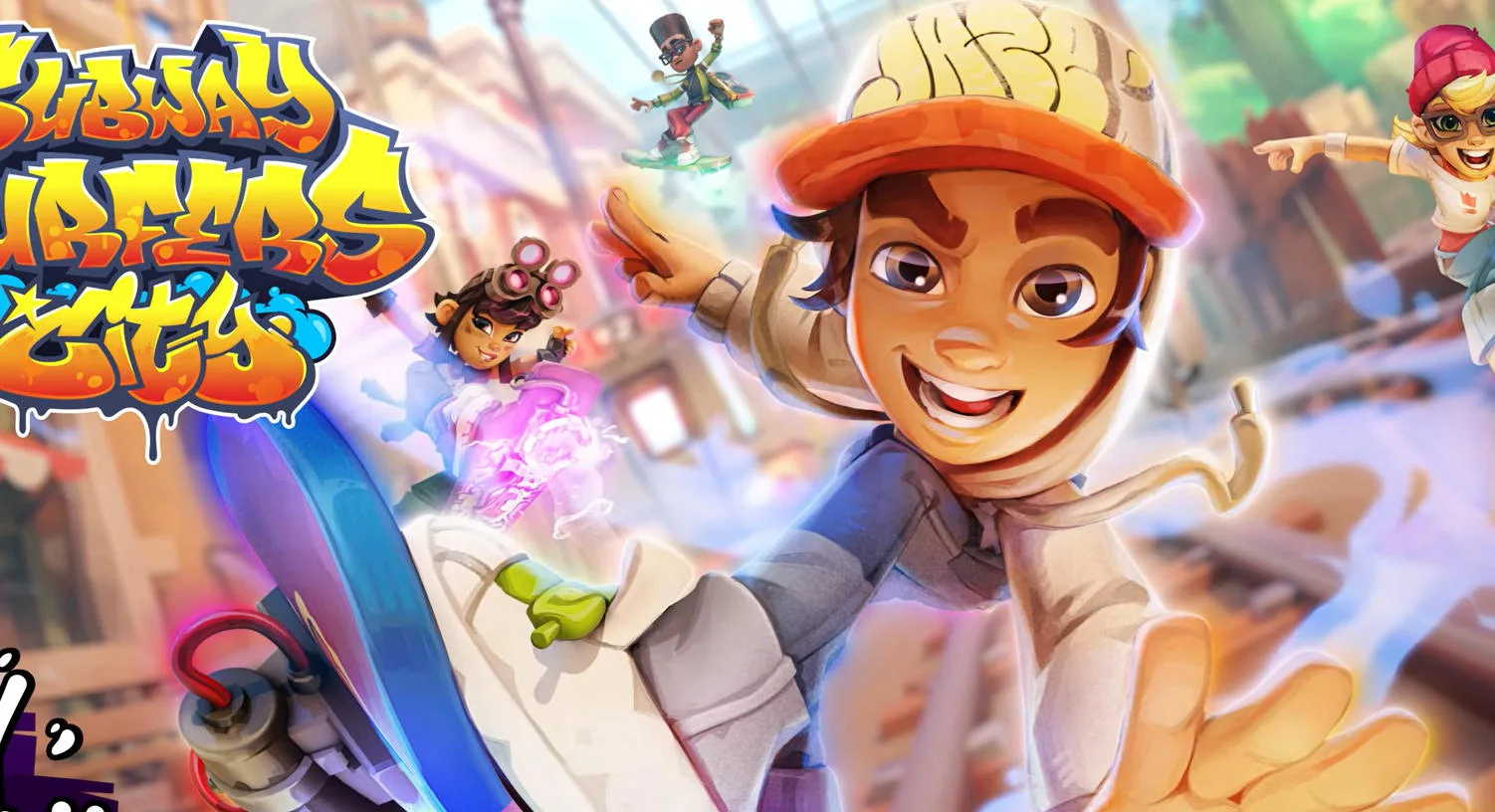
Subway Surfers City
Play Subway Surfers City Online for Free
Subway Surfers City is a free endless runner set in an expanded version of Subway City. The familiar loop is easy to understand: run forward, change lanes, jump over hazards, slide under barriers, and collect coins while the track keeps moving. The city setting adds more depth to the route, with different districts, missions, upgrades, and familiar characters giving repeated runs more direction than a single endless score chase.
Subway Surfers City Gameplay
The important decision is usually made before the obstacle reaches you. Read the rails, barriers, signs, and open lanes together, then choose a route that leaves room for the next move. A coin line may point toward a useful lane, but it can also lead directly into a train or a low obstacle. Good runs balance collection with survival instead of treating every coin as mandatory.
The game is also about switching movement types smoothly. A lane change handles side-to-side threats, a jump clears an object or reaches a raised path, and a slide passes beneath a barrier. When two obstacles arrive close together, prepare the second action as soon as the first one finishes. That rhythm is what turns a reactive runner into a controlled run.
Key Features
- Fast lane-based running: Change position quickly while reading trains, barriers, ramps, and track changes.
- Jump and slide decisions: Use different movement actions for different obstacle heights instead of relying on one repeated input.
- Explorable city districts: Missions and area unlocks give the runner a sense of forward progress beyond one high score.
- Coins and power-ups: Pickups can support longer runs, but the safest route remains the first priority.
- Series characters: Familiar runners return in a more developed Subway City setting.
How to Play Subway Surfers City
Use the controls displayed by the game to move between lanes, jump, slide, and collect items. On touch devices, follow the on-screen swipe prompts; on desktop, use the keyboard or input method shown in the game frame. Begin by learning the timing of a single lane change, then combine it with a jump or slide when the route becomes crowded. Keep your eyes on the next two obstacles rather than the runner's feet.
Tips for Longer Subway Surfers City Runs
- Choose a safe lane early: Last-second movement is harder when a train or barrier fills most of the screen.
- Do not chase every coin: A clean route usually creates more distance than a risky pickup that ends the run.
- Save your attention for combinations: After a jump, immediately check whether the landing lane contains a second obstacle.
- Use missions as practice: A mission can give you a focused goal, such as collecting items or using a movement action, without abandoning survival.
Districts, Upgrades, and Replay Value
Subway Surfers City adds a progression layer to the classic endless-runner formula. Completing missions helps open new districts, while character improvements and bonuses can make future routes more flexible. The exact challenge of a run still comes from reading the moving course, but the city structure gives you several reasons to return: a better distance, a new area, a completed mission, or a more reliable use of power-ups.
Browser Play on Desktop and Mobile
Play this Subway Surfers free browser game through the embedded game frame in a current browser. Wait for the play area to load, click or tap inside it, and confirm the displayed controls before starting a record attempt. A wider view can make upcoming lane changes easier to read, while performance depends on the device, browser, and connection.
Frequently Asked Questions
What is Subway Surfers City? It is a newer city-based endless runner that expands the familiar lane-changing, jumping, sliding, and coin-collecting formula.
Is Subway Surfers City the same as Subway Surfers? No. They are separate entries. This page covers the City version, while the original game remains its own listing.
Can I play it without a download? Yes. This browser entry is designed to start from the page without installing an app.
What is the best beginner tip? Learn to read the next two obstacles and choose a safe lane before trying to collect every available coin.