
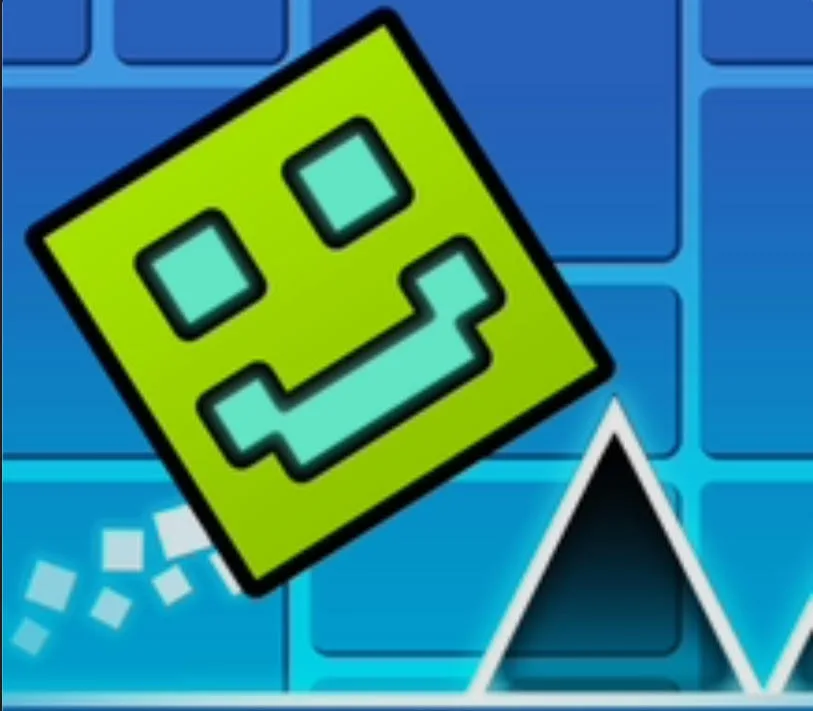
Geometry Cube 2: Challenge
Play Geometry Cube 2: Challenge Online for Free
Geometry Cube 2: Challenge is a free online cube action game built around fast obstacle courses, collectible coins, and repeatable practice. Guide the cube through ten levels, avoid spikes, holes, and walls, and choose the right moment to jump. The stages are short enough for quick play, but later routes ask for careful landing control and memory of the next hazard.
About Geometry Cube 2: Challenge
The game combines a familiar Geometry Dash style silhouette with a more direct level challenge. You are not only trying to survive; you can also search each stage for coins, practice a difficult section, and customize the cube with different skins. That gives the run more than one goal. A safe clear improves your route knowledge, while a coin-focused attempt asks you to take a calculated risk without losing control of the next landing.
Key Features
- Ten challenge levels: Each stage presents a new arrangement of hazards and a clear next target for progression.
- Coins to collect: Optional collectibles turn familiar paths into route-planning questions and reward careful exploration.
- Practice-friendly retries: Repeat a hard jump until the timing and landing position become consistent instead of relying on a lucky attempt.
- Cube customization: A selection of skins lets you keep a preferred look while working through repeated challenge runs.
How to Play Geometry Cube 2: Challenge
On desktop, use the arrow keys to move and jump. On mobile or tablet, tap the screen and use the displayed touch areas to guide the cube. Watch the landing after every jump, because the next hazard may arrive immediately. During a first clear, choose the safest route and learn the stage rhythm. Once the route feels reliable, return for coins and decide whether the extra reward is worth the additional jump risk.
Strategy Tips
- Plan the next landing: A jump is not complete when the cube leaves the ground. Keep the next platform and the following hazard in mind.
- Use practice for one problem: Repeat the exact section that causes a miss, then return to the full level after the timing becomes familiar.
- Treat coins as optional goals: A coin can be valuable, but do not chase it until you know how to recover for the next obstacle.
- Keep a consistent input: Small timing changes are easier to evaluate than several rapid corrections made at once.
Modes, Progression, and Replay Value
The ten-level structure gives Geometry Cube 2: Challenge a clear path from first completion to higher mastery. You can finish each stage safely, revisit it for coins, and use the available skins to personalize future attempts. The best progress comes from remembering the relationship between jump timing, landing position, and the hazard that appears immediately afterward.
PC and Mobile Browser Play
Play this free browser game in a current desktop or mobile browser. The embedded game may use keyboard, mouse, or touch input depending on the title, so click or tap inside the game frame once before starting. A stable connection helps external game files finish loading, while fullscreen mode can make fast obstacles, aiming lines, and small targets easier to read. Performance can vary with the browser, device, and network.
Frequently Asked Questions
How many levels are there? The game presents ten challenge levels.
What are the controls? Use arrow keys on PC. Mobile and tablet players can tap the displayed touch controls.
Do I need to collect every coin? No. Coins are an optional challenge that can make a familiar route more demanding.
Can I practice hard sections? Use the available practice option to learn difficult timing before attempting a full clear.